learn
/
methodology
How to connect ChatGPT or Claude to Google Analytics 4, for free
Connect ChatGPT or Claude to Google Analytics 4 in about 10 minutes with the free Windsor.ai plan, then check its numbers against GA4. Step by step.
By Gabriele Franco, co-founder of Cassandra


Get one practical idea every week to grow with the same team
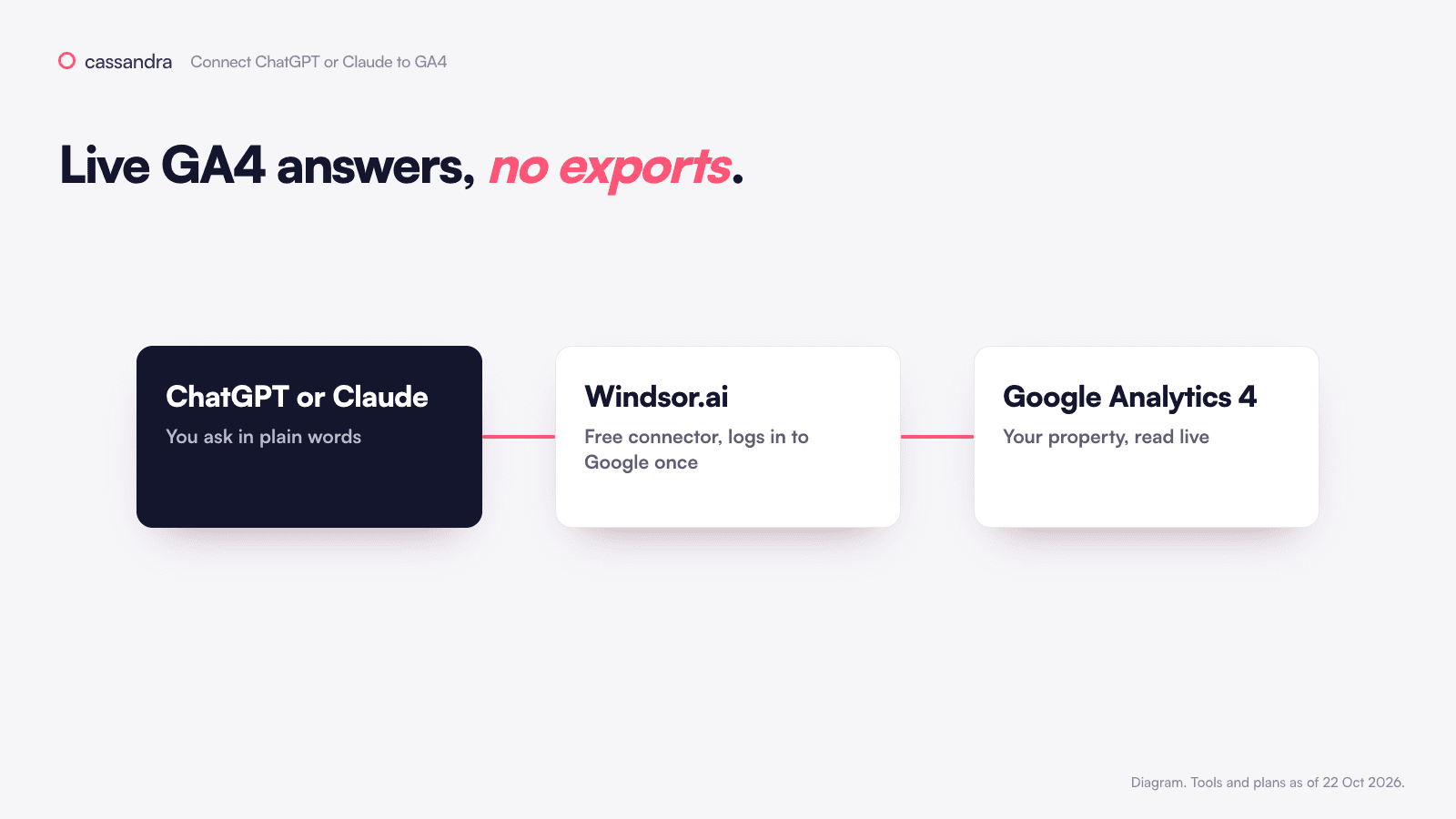
To connect ChatGPT or Claude to Google Analytics 4, link your GA4 property to Windsor.ai at onboard.windsor.ai, then install the Windsor.ai connector in ChatGPT or Claude. It's free for 30 days and then for one property, and it can only read GA4, never change it.
You can export a GA4 report and upload it to ChatGPT, but the file is out of date the next morning. If you connect GA4 directly, you can ask "which channels brought fewer sessions this week, and on which landing pages?" any time and get today's numbers. It takes about 10 minutes.
We use Windsor.ai as the connector because it works in both ChatGPT and Claude and you can start for free. (Zernio, the other free tool in this series, doesn't support GA4.)
What do you need to connect ChatGPT to Google Analytics 4?
A ChatGPT or Claude account.
A Google login with at least Viewer access to the GA4 property.
A Windsor.ai account. You create it in step 2, no card needed.
Is Windsor.ai free?
Windsor's free trial lasts 30 days and covers up to 10 sources. After that, the free plan keeps one source and one account, and only reads the last 30 days.
How to connect ChatGPT or Claude to GA4, step by step
1. Open Windsor
Go to onboard.windsor.ai, type Google Analytics 4 in Type platform name and click it.
2. Give Windsor access
Click Grant Google Analytics 4 Access, choose the Google account that can see your property and tick the Analytics permission (or Select all). Click Continue.
3. Pick the property
Tick your GA4 property and click Next >. If you already connected Meta Ads or Google Ads during the trial, they stay in the same Windsor account.
4. Install the connector
On 2. Preview and Destination, scroll to Data Destinations, click the AI filter, choose ChatGPT or Claude and click Install Windsor.ai connector. In ChatGPT, click Connect, Allow Access and Start chat. In Claude, click Add and sign in.
If you already installed it for Meta or Google Ads, skip this step. One connector reads every source in your Windsor account.
5. Ask with the connector on
In ChatGPT, start your message with @Windsor. In Claude, click + > Connectors and switch Windsor.ai on.
How do you check the numbers are right?
Paste this:
You should get a table of channels (Organic Search, Paid Search, Direct and so on) with sessions and key events for both weeks. Open Reports > Acquisition > Traffic acquisition in GA4 with the same dates and compare. The totals should be close, though not always identical.
Why don't the AI's numbers match GA4 exactly?
GA4 sometimes hides or estimates rows in its reports (thresholds and sampling), so the screen and the API can be a few percent apart.
"This week" depends on the time zone. Ask for complete days in the property's time zone.
GA4 now calls conversions "key events". Name the event you mean, for example
purchase.Consent banners and missing tags push traffic into "(not set)" and Direct. The AI can't get that data back.
Can ChatGPT or Claude change anything in GA4?
No. Windsor has no write actions for GA4, it only reads reports. If you want to keep access as tight as possible, connect with a Google login that has the Viewer role (Admin > Property access management). A Viewer can see data and settings but can't change anything. To keep cost and revenue away from the AI too, add the data restrictions No Cost Metrics and No Revenue Metrics to that user.
The same Windsor account may also read Meta Ads or Google Ads, and those can be changed. Keep Write actions off, and read how to stop an agent from changing your budget.
What if ChatGPT or Claude can't see your GA4 data?
What you see | Why | Fix |
|---|---|---|
Your property isn't listed | That Google login has no access | A GA4 admin adds you under Admin > Property access management |
A Universal Analytics property shows up | It's the old property type | Pick the GA4 one (numeric ID, no "UA-") |
Numbers are far from GA4 | Different dates, time zone or metric | Run the check prompt again with exact dates and metric names |
Nothing older than 30 days | Free plan limit | Keep questions within 30 days, or upgrade |
Google also publishes its own Google Analytics MCP server. It's read-only and still experimental, and it runs on your own machine with a Google Cloud project, so it's more for technical teams.
Marketing decisions should not rely on one data source
GA4 shows what happened on your site, as far as its tags can see, and it sees less every year (here's why). Before you act on it, you'd also want what customers say in reviews, which products sell and at what margin, what each ad account reports and what past tests proved. Connecting Meta Ads and Google Ads lets the AI at least compare the three. More on this in what is a marketing brain.
That's what we built Cassandra for. It pulls your ad accounts, analytics, sales, products, reviews and incrementality tests into one place, works out what to do next, and makes the changes in your ad accounts within the rules your team sets. You can start for free with your website and data.
Next
Menus and plans checked on 22 October 2026. If a label has changed, look for the closest match.