learn
/
methodology
Automate your weekly marketing report with Claude or ChatGPT
Build a live marketing dashboard with Claude artifacts or ChatGPT Sites, then schedule a weekly report that says what changed and what to check next.
By Gabriele Franco, co-founder of Cassandra


Get one practical idea every week to grow with the same team
To automate your marketing reports, connect your ad accounts and GA4 to Claude or ChatGPT, ask for a live dashboard (a Claude artifact or a ChatGPT Site), then schedule a weekly task that writes the report. Lock the connector to read-only before you schedule it, because nobody is there to approve changes.
For a lot of teams, Monday starts the same way: open Ads Manager, Google Ads and GA4, copy numbers into a sheet, write three lines about what changed. Claude and ChatGPT can now do both halves of that for you: a live dashboard you open whenever you want, and a written report that arrives on its own every Monday. Setup takes about 20 minutes once your data is connected.
What do you need to connect first?
The AI can only report on what it can read, so connect at least one source first. Each takes about 10 minutes:
Which Claude or ChatGPT plan do you need?
Claude | ChatGPT | |
|---|---|---|
Live dashboard | An artifact that reads your connectors: Pro, Max, Team or Enterprise | ChatGPT Sites: Plus, Pro, or supported Business and Enterprise workspaces |
Weekly report | Scheduled tasks: Pro, Max, Team or Enterprise | Agent mode with a repeat: Plus, Pro, Business or Enterprise |
If you used ChatGPT's Canvas for this before: it's no longer available on the current models. Sites replaces it.
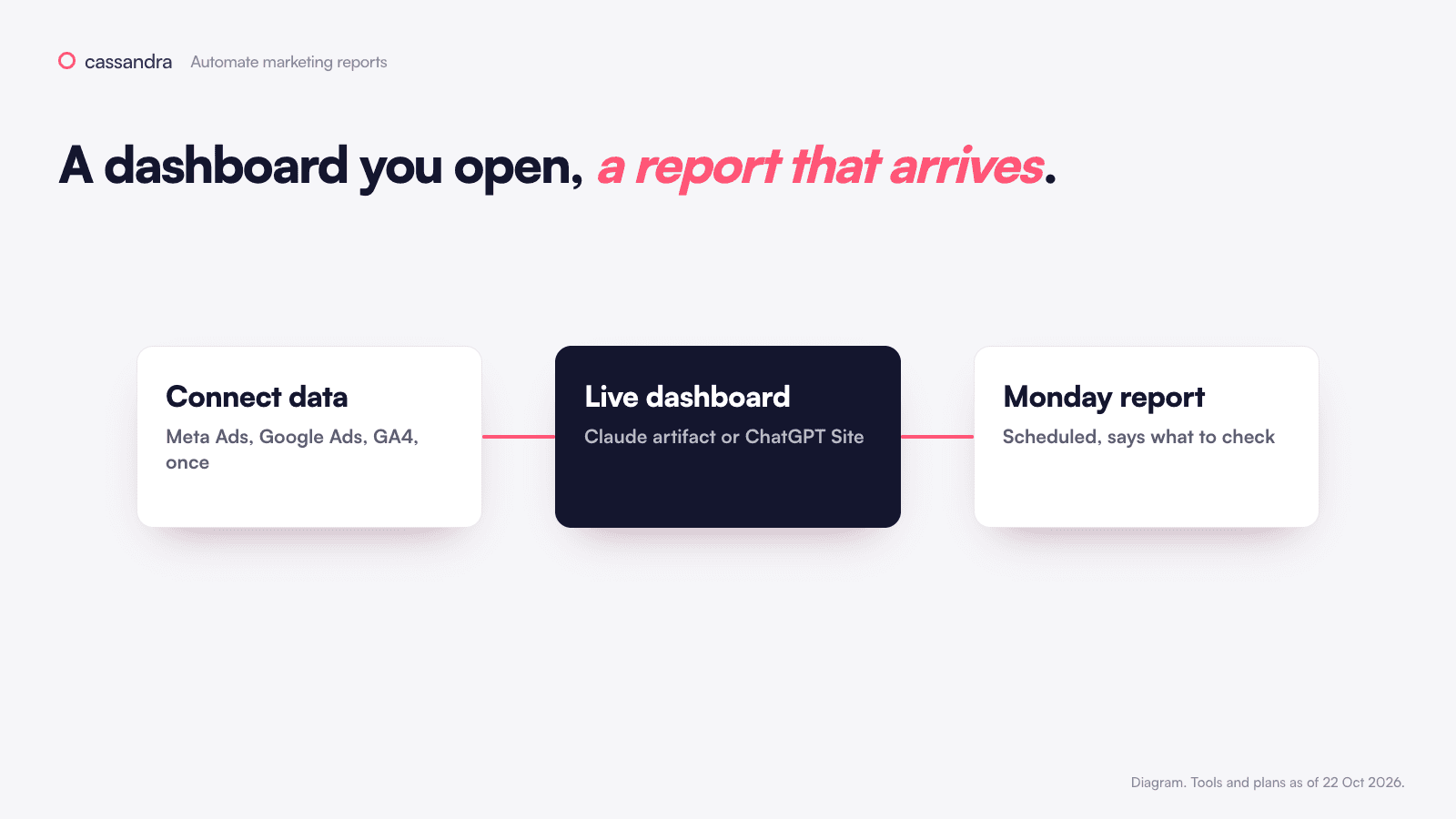
How do you build a live marketing dashboard with Claude or ChatGPT?
1. Turn on code execution (Claude only)
In Claude, go to Settings > Capabilities and switch on Cloud code execution and file creation. On Team and Enterprise, an admin turns it on under Organization settings > Capabilities.
2. Ask for it
In Claude, start a new chat, switch your connector on (+ > Connectors > Windsor.ai) and paste the prompt below. In ChatGPT, open Work, type @Sites and paste the same prompt.
3. Check two numbers
Compare total Meta spend and total Google Ads spend with what each platform shows for the same dates. If one is off, tell the AI which number is wrong and where you saw the right one.
4. Share it
In Claude, open the dashboard, click Share and choose who can see it under Who has access. One catch: a dashboard that reads your connectors can't be opened by "Anyone with the link". Each viewer sees the data through their own connection, so share it with teammates who have Windsor connected too.
In ChatGPT, click Share, choose under Who has access, then Publish. Visitors also use their own connected apps.
How do you get a marketing report every Monday automatically?
5. Lock it to read-only first
A scheduled report runs when nobody is watching, so nobody is there to approve a change. Before you schedule it, block every tool that can change your accounts: in Claude go to Customize > Connectors > Windsor.ai > Tool permissions and set them to Blocked, and in Windsor switch Write actions off. The prompt below says "read only" too, but that's a reminder, not a lock. The Meta Ads and Google Ads guides cover the rest.
6. Create the schedule
In Claude, click Scheduled in the left sidebar, then New task, then Set up manually, and set it to run weekly on Monday morning. It runs in the cloud, so your computer can be off.
In ChatGPT, start agent mode from the tools menu (or type /agent), run the prompt once, then click the clock icon to repeat it weekly. You can manage repeats at chatgpt.com/schedules.
Use this prompt:
7. Run it once now
Don't wait for Monday. Run it by hand, read it, and fix the prompt if a section comes back empty or vague.
How do you know the report is right?
Ask this in the same chat or task:
A good answer names the Meta and Google Ads purchases (each platform credits its own ads), says their sum can be higher than your real orders, and points to GA4 or your shop data to check. If it claims the totals are exact, add "say what each number can't prove" to the prompt.
What if the dashboard or report shows wrong data?
What you see | Why | Fix |
|---|---|---|
The dashboard shows made-up sample data | The connector was off when it was built | Switch it on and ask for a rebuild with live data |
A colleague sees an empty dashboard | They haven't connected Windsor themselves | They add the connector (see the guides above) |
The report is missing a channel | That source isn't connected, or the free plan only keeps one | Connect it, or only name the sources you have |
Numbers don't match the platforms | Different dates, time zone or attribution window | Put the exact settings in the prompt |
Lots of numbers, no next step | The prompt only asked for numbers | Keep point 4 of the prompt |
Marketing decisions should not rely on one data source
A report tells you what moved in each account. Deciding what to do about it takes more: what customers are saying, which products are selling or out of stock, what your site analytics shows, how much the channels overlap and what past tests proved. Even adding a line to the prompt about a promotion, a stock problem or a price change makes the report noticeably more useful. More on this in what is a marketing brain.
That's what we built Cassandra for. It pulls your ad accounts, analytics, sales, products, reviews and incrementality tests into one place, turns each report into next steps, and makes the changes in your ad accounts within the rules your team sets. You can start for free with your website and data.
Next
Menus and plans checked on 22 October 2026. If a label has changed, look for the closest match.